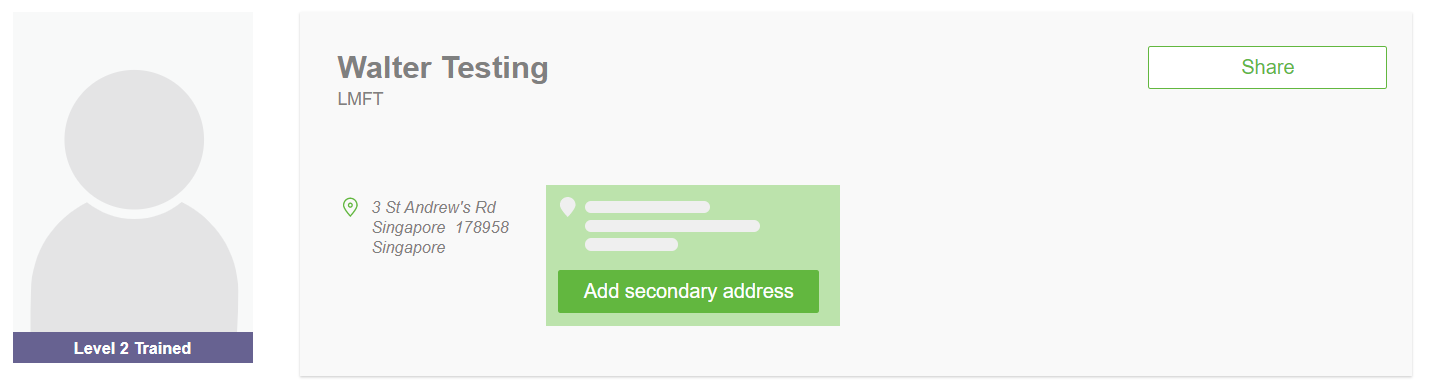
In order to list an additional place of practice on your GRN account:
1. Log into your account on gottmanferralnetwork.com
2. Click My Profile
3. Hover over the address that's currently listed and you will see an option to add a secondary address. If you do not have physical location for the second address, I would recommend using a nearby landmark. The system will require you to enter a full street address.